I received an Apple Watch for free!


In APN 13, I introduced Medibank’s Live Better program, which incentivises you to be healthy by rewarding you with points. Last week, I spent half my points buying an Apple Watch SE 3 (the budget version of the Series 11).


You can create a little Apple shortcut to automate some of the healthy activity, meaning you can rack up points while being as unhealthy as ever!
I’m upgrading from a Series 5 for three main reasons:
- Fast charging
It’s rare that I miss a night of tracking sleep — when I do, it’s always because I’m home too late and my watch is out of battery. The promise of “8 minutes of charging for 8 hours of sleep” is an alluring one.


- Gestures (they can trigger shortcuts!)
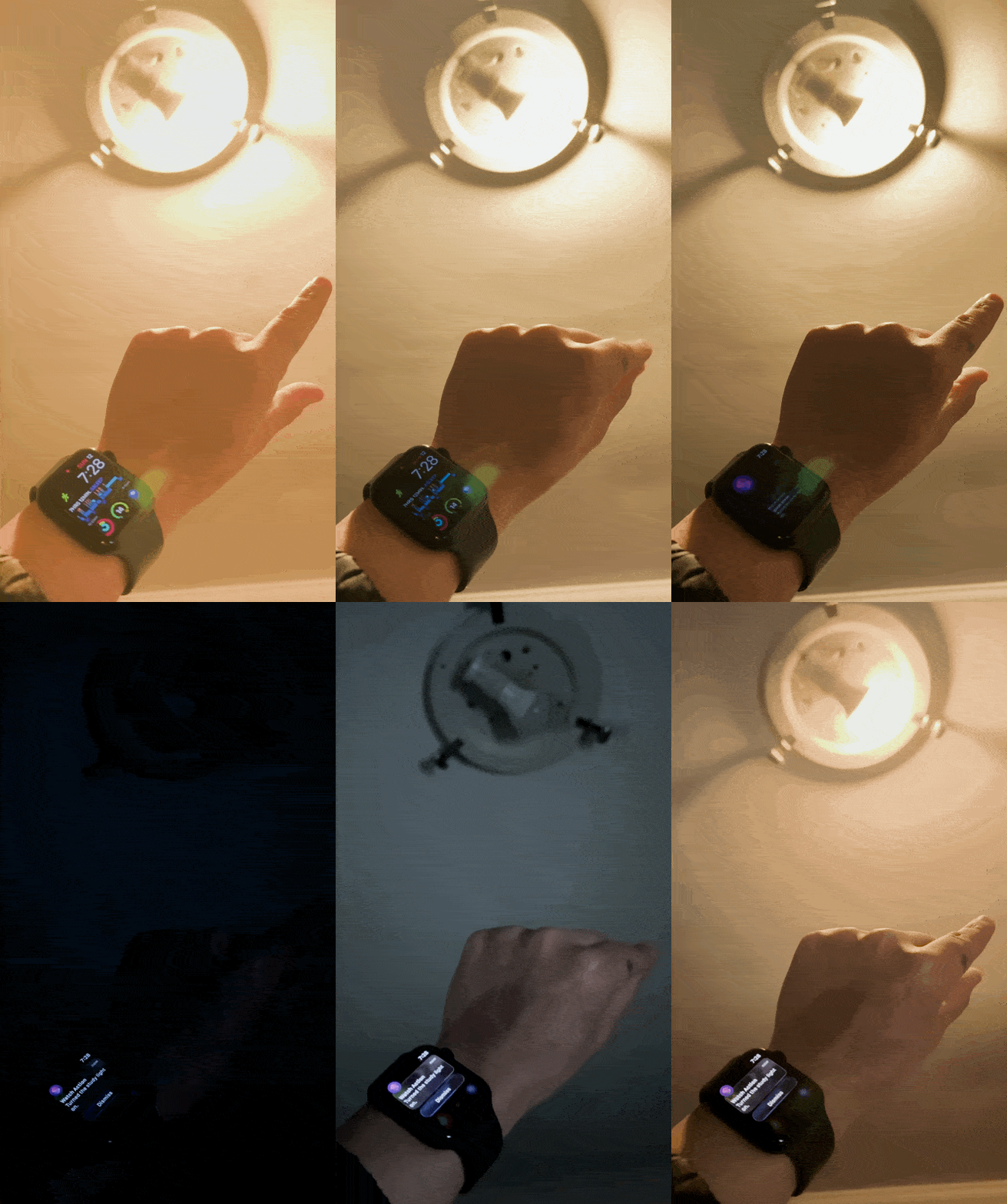
With just a hand gesture, I can control the lights—and it only affects the room I’m standing in.
This is only possible because of my indoor positioning system, which can track my location in real time.
It works just like in the movies, where the cops can trace a phone by seeing which towers it’s connected to and how strong the signal is.
I’ve set up a network of Bluetooth nodes around the house that can triangulate the location of any Bluetooth device, like a watch, based on its relative signal strength.


Each time I double-pinch, it activates a shortcut that checks which room I’m in, then toggles the light in that room.
- Training load and sleeping wrist temp


Given that I don’t exercise, the training load isn’t that useful. But I’m a sucker for data and nice-looking graphs.